Sales & Support
Working demos tailored to each prospect, support tools shaped around your workflow, and client portals under their own domain.
Every prospect gets the same generic demo. Every client portal is a shared Google Drive. Your support tools don't match your workflow. Shaep lets you build working demos per prospect, branded client portals, and support tools shaped around how your team actually operates — without waiting on IT.
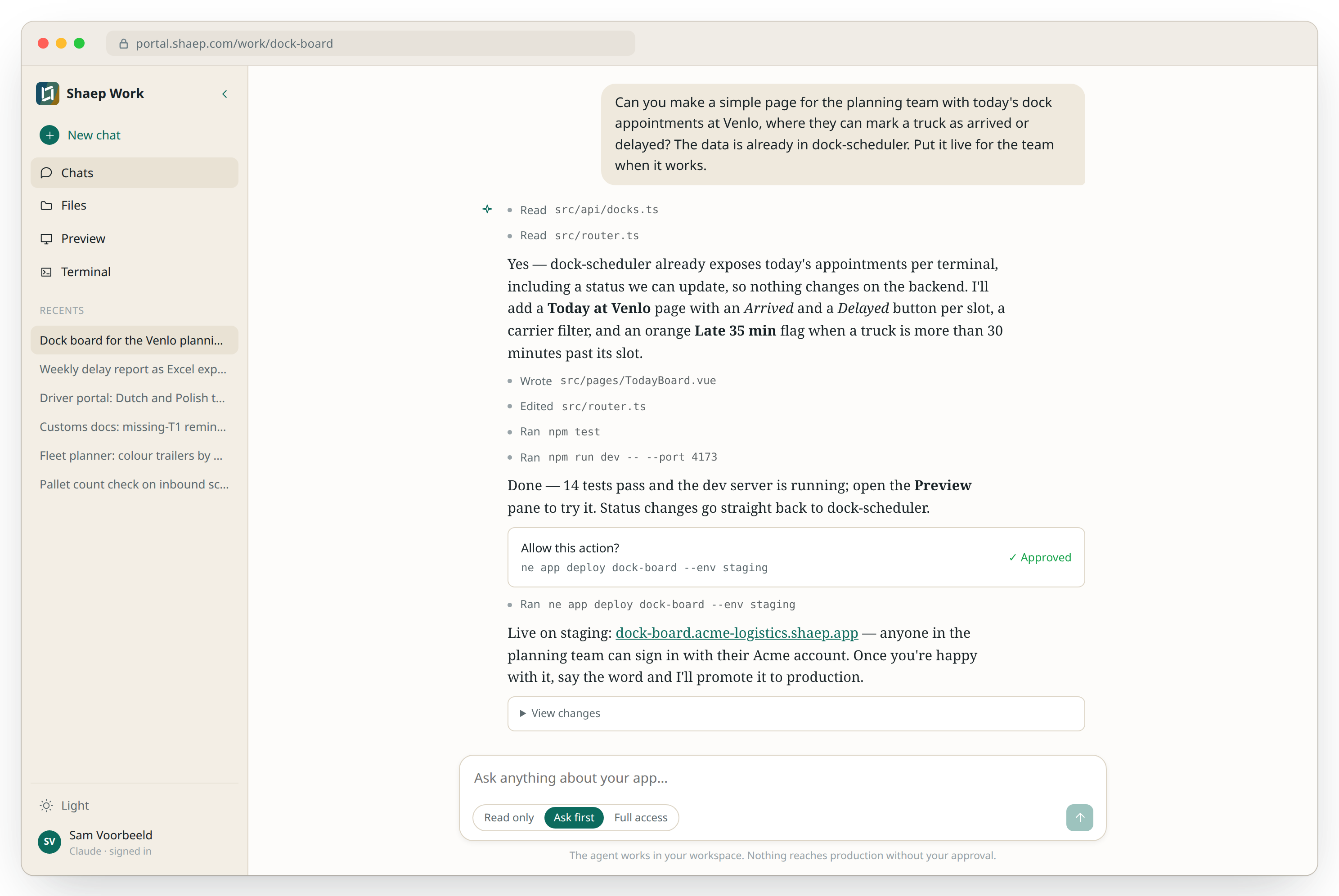
Live demos that close deals
Build a working demo tailored to each prospect — their industry, their data structure, their use case. Not a slideshow, a real application they can interact with. Clickable, shareable, convincing.
- Tailored demo per prospect in hours
- Interactive — prospects click and explore
- Their use case, their data structure
- Share a URL, not a PDF
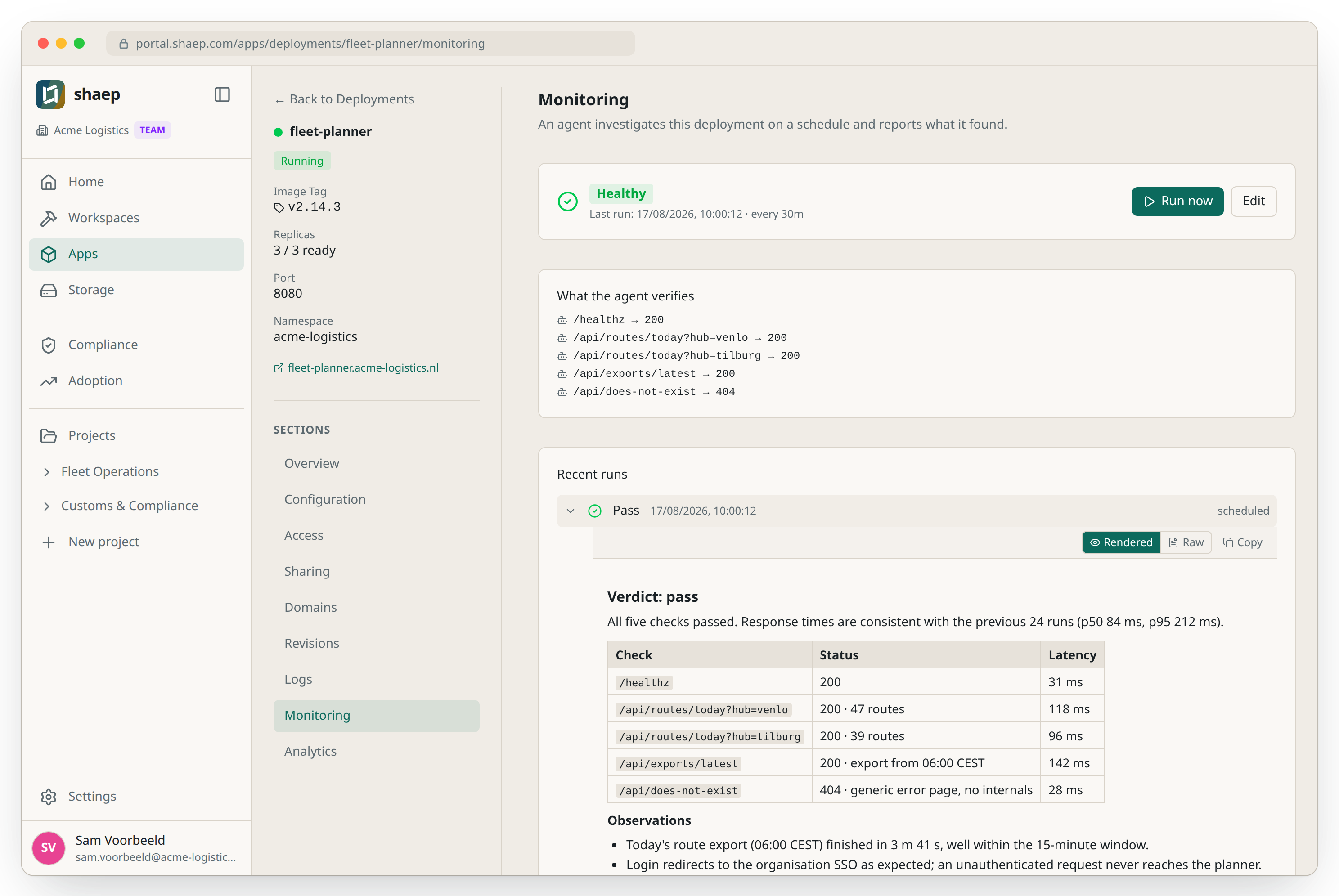
Client portals they'll actually use
Branded apps on your client's domain with their own login, data isolation, and custom workflows. Manage all client environments from one dashboard. A proper portal, not a shared folder.
- Branded portal on the client's domain
- Isolated environments per client
- Document collection and status tracking
- Managed from one dashboard
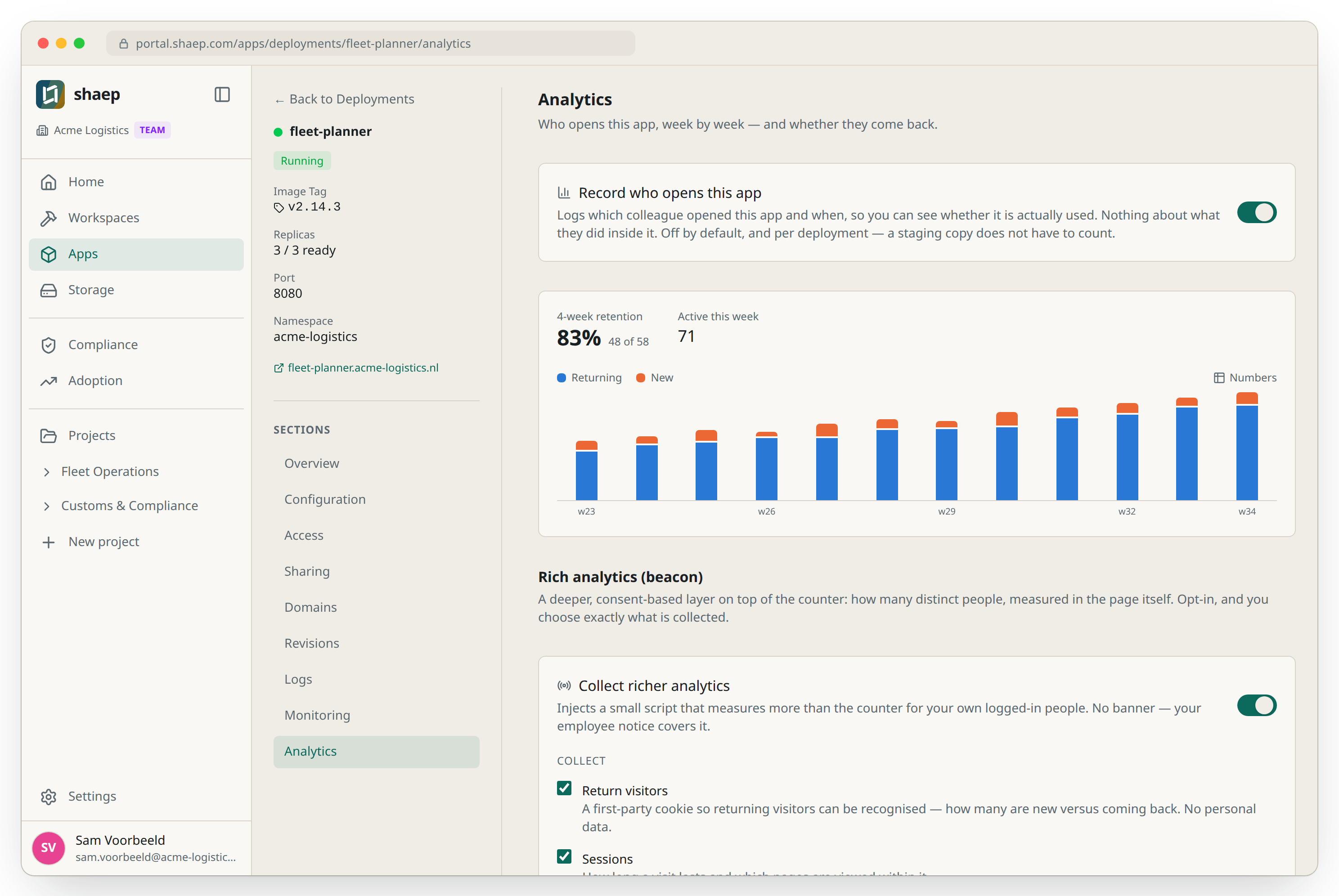
Support tools that fit your process
Off-the-shelf support tools force you to adapt. Build knowledge bases, ticket trackers, and account health dashboards shaped around your workflow — connected to your CRM and data sources.
- Tools shaped around your process
- Connected to Salesforce, HubSpot, Pipedrive
- Account health dashboards from live data
- Automate the repetitive, focus on conversations
Before & after
Generic demo for every prospect
Tailored demo in an hour
Adapt your workflow to a SaaS tool
Tools shaped around your process
Client portal is a shared Google Drive
Branded portal on their domain
No visibility into account health
Real-time dashboards from your data
What you can build
Real examples of what teams like yours ship on the platform.
Prospect demo environments
A working demo for each deal — their industry, their data structure, their use case. Clickable, shareable.
Customer onboarding portals
Step-by-step onboarding flows, document collection, progress tracking. Branded and deployed under a custom domain.
Internal support tools
Ticket trackers, knowledge bases, and escalation dashboards built around how your team actually works.
Account health dashboards
Pull from CRM, support tickets, and usage data. See which accounts need attention at a glance.
Frequently asked questions
Can I create a separate environment per client? +
Yes. Each client gets their own isolated environment with their own data, domain, and branding. You manage them all from one dashboard.
How do I connect to our CRM? +
Via REST API or MCP integration. Salesforce, HubSpot, Pipedrive — the platform connects to any system with an API.
Can prospects interact with the demo? +
Yes. It's a real application — they can click, enter data, and see results. That's the point.